Building apps with AI is mainly about writing great prompts. Essentially, it's your ability to think and communicate clearly about what you want by including key details. This differentiates building a rough prototype vs a production-ready app.
This guide breaks down how to think, structure, and refine your prompts so you can consistently get high-quality apps.
What is Prompting in Vibecoding?
Prompting is the process of describing your app idea to an AI system so it can design, build, and refine your application to your specifications.
Think of it like this:
You are the product manager, designer, and architect. Your prompt is the blueprint. The clearer your blueprint, the better the result.
The most important thing: Mindset
You need to Focus on the What and NOT on the How! So skip writing the Technical requirements and just focus on your Feature Requirements.
The Anatomy of a Great Prompt
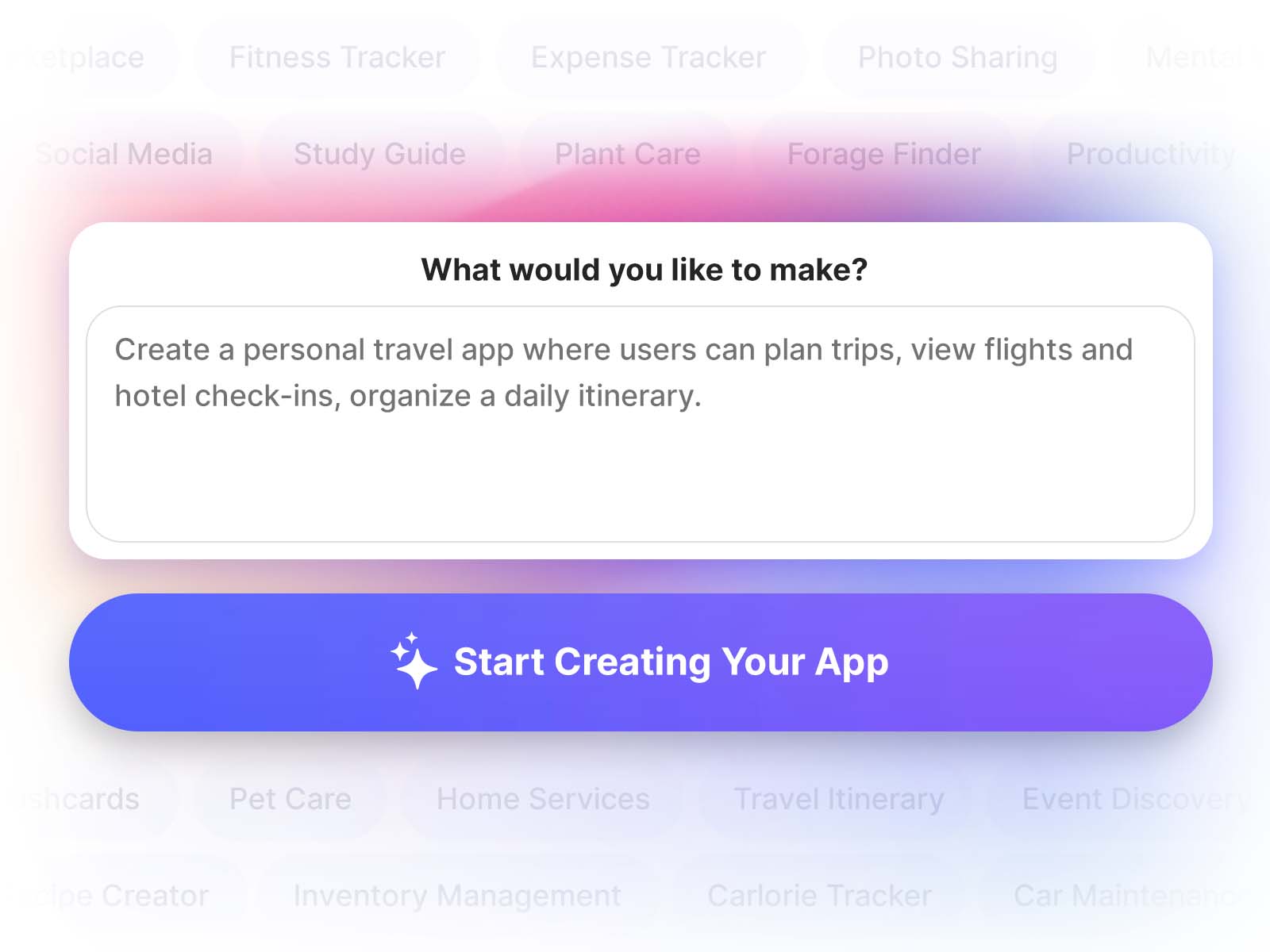
A Great prompt typically has these critical parts:
1. App Overview: Describe what the app is and who it's for
Example: Build an app for nature lovers visiting a park to identify flora and fauna using their phone cameras.
*NOTE: Please avoid using ChatGPT for prompt generation. Do not copy paste auto generated prompts.
2. Core Features: List the key things users should be able to do
Example:
- Capture or upload photos to identify plants and animals.
- Display identification results with a confidence score
- Shows detailed information about the species (Name, description, habitat)
- Save favorites to collections
3. Determine if User Signup and Login is required
Examples:
- No login required
- No login required, save favorites locally.
- Users can browse without Login but need to login to save favorites to collections.
- During Signup, capture following user details including First Name, Last Name, Phone number.
* Please Note: During the App Publishing process to the Apple AppStore and Google PlayStore, you will need to declare any user data captured by your App.
4. UI/UX Expectations:
Our AI Agents automatically figure out what Theme needs to be applied to your App based on the description. So you don't need to specify this explicitly.
You can always change the UI Theme for your app in the Project Dashboard > Visuals section.
5. Additional Assets:
If you would like to use specific Assets in your App, you can attach them along with the prompt.
Examples:
- Custom Images to be used in the App for specific purposes (for instance, 52 images of your Custom Card deck and Back cover)
- Background image(s)
- Sounds
- App Icon
* Please Note: You can change the App icon in the Project Dashboard > Visuals section.
6. Data & Integrations: Specify where the Data is stored. What powers the App.
Examples:
- Store Data Locally or Store Data on the server.
- Use location services for nearby results
- Integrate maps and directions
*Our Agents automatically determine Authentication, Cloud Database, Calendar Scheduler, Fileupload, Infrastructure, App specific models and integrations. You should avoid including these aspects in your Prompt.
** Please Note: During the App Publishing process to the Apple AppStore and Google PlayStore, you will need to declare any user data captured by your App.
Pro Tips for Better Prompts
Weak Prompt
Build an app to identify Plants and Animals.
Strong Prompt
Build an app that helps park visitors identify plants and animals. Users should be able to take a photo with their camera or upload a photo and see what species it is along with information like name and description. Provide ability to bookmark results into collections. Store data locally. No login required.
Be Specific, Not Vague
If you already have a clear vision for the app and how its features should work together, outlining the requirements in a numbered list can help communicate them more effectively.
For example, if you want to create a Kitchen Pantry App
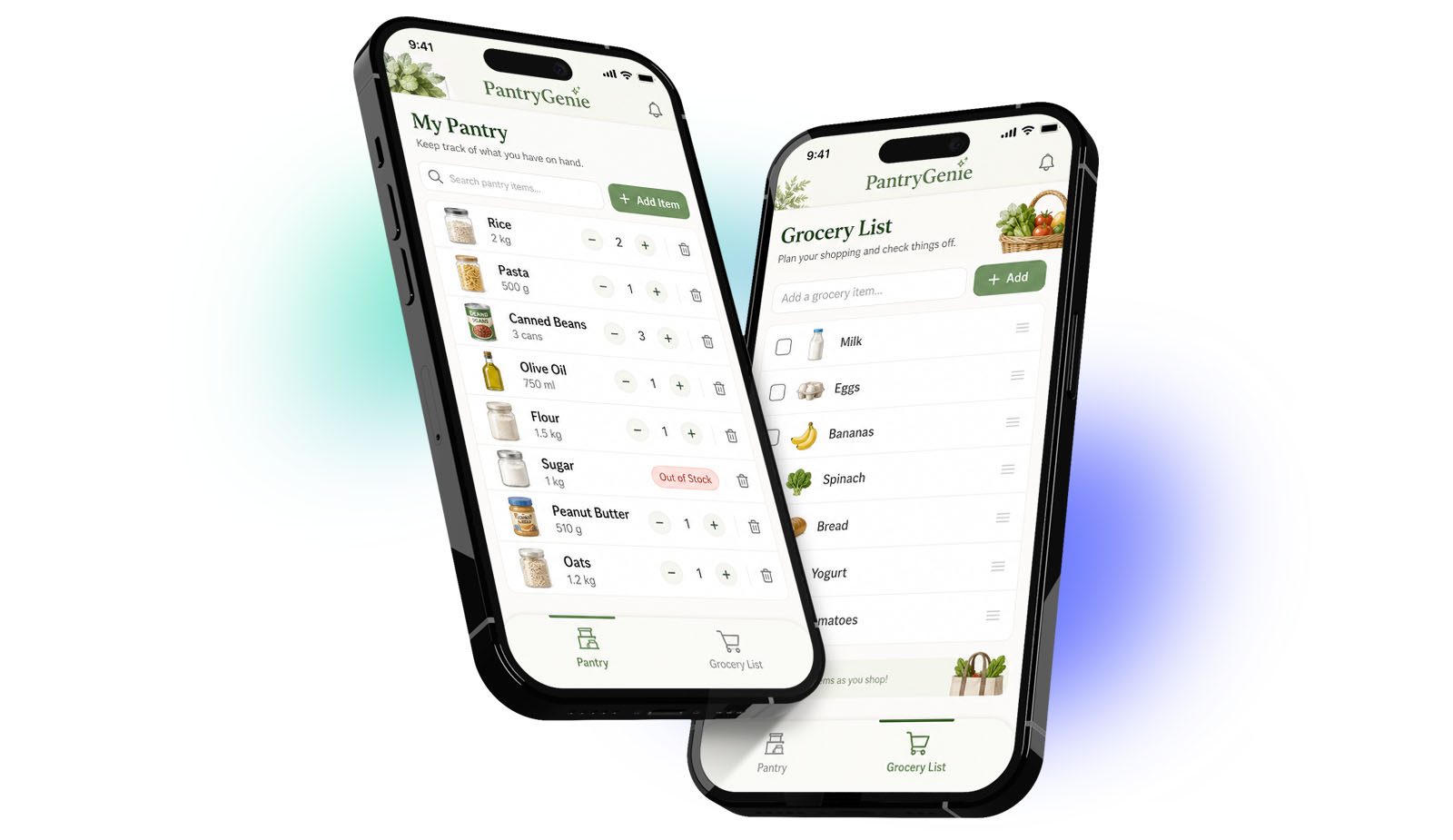 here is a sample prompt with detailed feature requirements
Create an app called PantryGenie, a simple kitchen inventory manager that lets users manually add items in their pantry.
Users can update quantities, mark items as “out of stock”, or delete items.
There should be a second page called "Grocery List" where users can list items for grocery shopping.
No login is required, and all data is stored locally.
Pantry Item Requirements
Grocery List and Item Requirements
Additional Requirements
Think in Features, Not Screens
Don't think "number of screens". Describe functionality. The identified result should include: name, pictures, description, habitat
Iterate Like a Product Builder
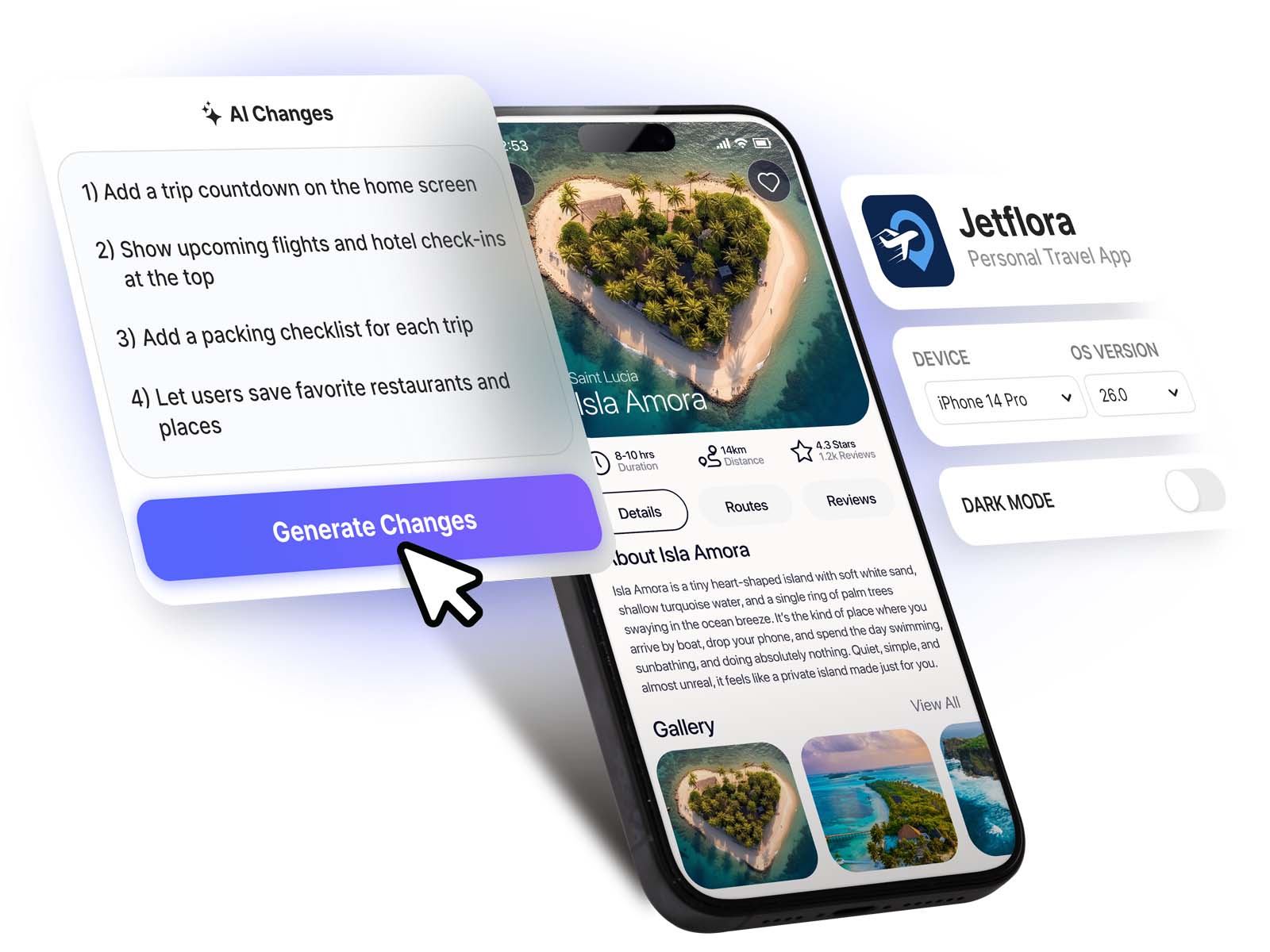
Your first prompt won't be perfect.
Refine by making changes:
- Add missing features
- Fix UI inconsistencies
- Improve flows
Key Alternative Strategies to Consider
In some cases, if the first AI-generated version of the app is missing key functionality or lacks the backend foundation needed to support your requirements, it may be more effective to start fresh rather than spending multiple iterations trying to fix it through prompts. Starting fresh with a better-defined prompt is often faster and more effective than trying to continuously refine a weak initial build.
Try generating your app multiple times with slightly different prompts. Small prompt changes can produce dramatically different results, and one version may already cover most of what you need.
Another effective strategy is to review the generated apps, identify what’s missing or what you’d like to change, and clearly capture those details in a more comprehensive prompt when generating the next version of the app.
Prompts for some Sample Apps
Fitness Tracker App
Build a fitness tracking app where users can log workouts (sets, reps, weights) and track progress over time. Include pre-built workout plans, reminders, and analytics dashboards.
Expense Tracker App
Create a native personal finance app with expense and income tracking, categorization, and monthly insights. Add support for recurring expenses.
Photo Sharing App
Instagram like photo sharing app. UI needs to look like Instagram. Users should be able to browse without login, To Comment, Like on photos or post photos, users need to login.
Mental Wellness App
Create a wellness app with mood tracking, journaling, and guided sessions. No login required.
Local Marketplace App
Build a native marketplace app where users can buy and sell locally. Include listings, image uploads, chat, and location-based discovery.
Learning App (Flashcards)
Create a Spanish learning app with flashcards, spaced repetition, and quizzes. Include analytics for learning progress.
Pet Care App
Build a pet management app with feeding schedules, medication reminders, and vet tracking.
Home Services Booking App
Build a service booking app where users can schedule home services. Include service listings, time slots, pricing, and reviews. Ensure real-time scheduling and notifications.
Travel Itinerary Planner
Create a travel planning app with itinerary building, day-by-day schedules, and map integration.
Recipe App
Create an AI recipe app. User can input the name of the dish. Look up the top recipes for that dish and create the best recipe using that information. User can input how many people to feed. Adjust and display the corresponding ingredient quantity. No login required.
Event Discovery App
Build a local events app with categories, event details, and location-based discovery.
Inventory Management App
Create a business inventory app where users can track item inventory levels, add items, and get alerts.
Calorie Tracker App
A comprehensive calorie tracking app using AI to track daily calories using meal photos.
Car Maintenance App
Create a vehicle tracking app with service history, reminders, and maintenance logs.
Conclusion
Vibecoding is about compressing the distance between idea and execution, and your prompt is the bridge. The best vibecoders aren't the best coders, they're the best thinkers and communicators.
Treat these as starting points, customize based on your use case and Get Started!