Most App Store rejections are avoidable. They rarely come from a bad idea. They come from a crash on launch, a privacy policy link that does not open, a demo account that has expired, or a subscription screen that hides the price. Apple reviews every submission against its App Review Guidelines, and each issue it finds means fixing the app, resubmitting, and waiting again.
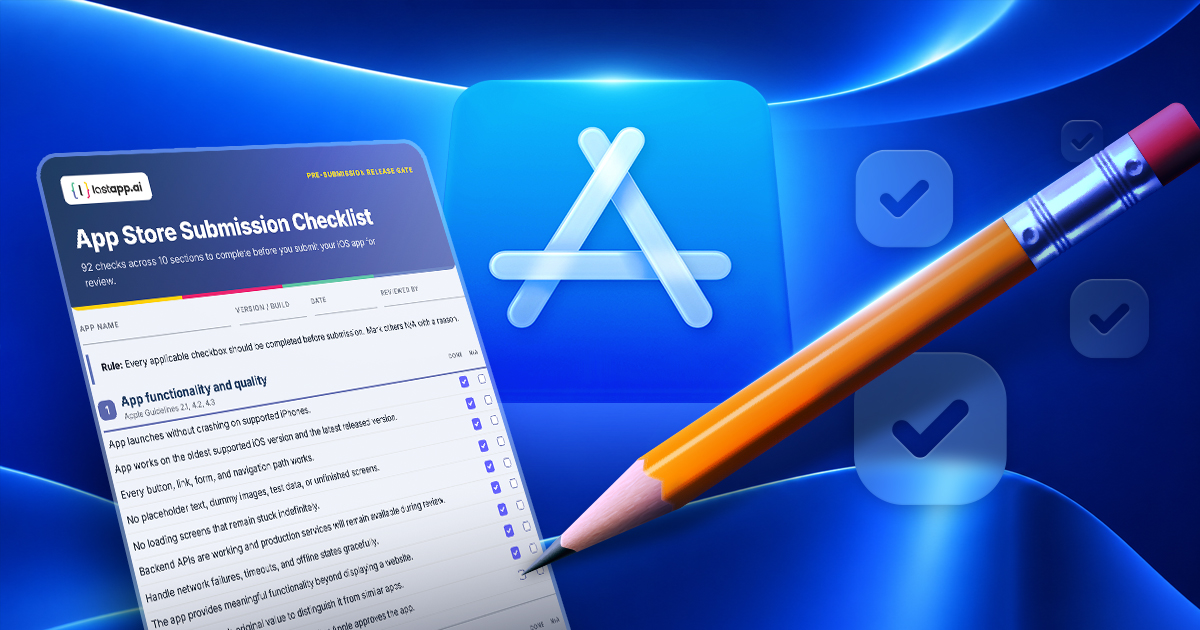
This guide turns those guidelines into a working pre-submission checklist. It covers 10 areas, from app functionality and privacy to payments, store metadata, security, and the final release sign-off. Work through it before you press Submit for Review.
How to Use This Checklist
The checklist below is interactive. Tick each item as you verify it, and the section counters, the progress bar, and the release sign-off at the end update as you go. Your progress is saved in this browser, so you can close the page and pick it up later.
Rule: Every applicable checkbox should be completed before submission. Mark others N/A with a reason.
Prefer paper, or need something to attach to a release ticket? Download the App Store Submission Checklist as a PDF and share it with your team.
1. App functionality and quality
0 / 10Apple Guidelines 2.1, 4.2, 4.3
2. Privacy and data collection
0 / 11Apple Guidelines 5.1.1, 5.1.2
Technical verification: Inspect Info.plist, SDK configurations, and runtime network traffic. Verify that actual collection matches declarations.
3. User accounts and authentication
0 / 9Apple Guidelines 4.8, 5.1.1(v)
4. Subscriptions, payments, and purchases
0 / 10Apple Guidelines 3.1.1–3.1.3
Important: US storefront rules allow certain external purchase links without special entitlements, but that permission should not automatically be extended to other countries.
5. App Store listing and metadata
0 / 13Apple Guidelines 2.3, 5.2
6. Security and technical compliance
0 / 12Apple Guidelines 1.6, 2.5, 5.1
Apple requires valid privacy manifests for applicable SDKs and required-reason APIs.
7. Content moderation, AI, and safety
0 / 9Apple Guidelines 1.1, 1.2, 4.7, 5.1.2
Applicable particularly to apps with user-generated content, social interactions, or AI.
Apple specifically includes AI content-creation apps within its user-generated-content safety guidelines.
8. App Review readiness
0 / 10Apple Guideline 2.1
Apple also recommends providing an expired-subscription demo account when reviewing auto-renewable subscription flows.
9. New and changing requirements for 2026–2027
0 / 8Apple's requirements move every year. Confirm each of these against your build and your App Store Connect record, and mark anything that does not apply to your app as N/A.
10. Final release decision
Each row below turns green on its own once every check in that section is ticked or marked N/A. The final build is the one sign-off you confirm by hand.
- Functionality All flows tested; production backend available 0 / 10
- Privacy Privacy policy, labels, permissions, and SDKs verified 0 / 11
- Authentication Login, account deletion, and recovery verified 0 / 9
- Payments Billing and subscriptions compliant or N/A 0 / 10
- Store listing Metadata, screenshots, and ratings complete 0 / 13
- Technical SDK, privacy manifest, and security checks passed 0 / 12
- Safety Moderation and AI protections verified or N/A 0 / 9
- Review access Demo access and detailed review notes ready 0 / 10
- 2026–2027 requirements SDK minimums, deployment targets, and new declarations confirmed 0 / 8
Make It a Release Gate
Recommendation: Make this checklist a mandatory release gate for every new app. Automate the code-related checks in CI, and require a manual sign-off for privacy declarations, business model, subscription rules, and App Review credentials.
The most authoritative reference remains Apple's App Review Guidelines. This checklist is a practical interpretation of them, not an official Apple compliance certification, and Apple updates its requirements regularly. For the SDK and deployment-target changes in detail, see Apple App Store Requirements 2026.
If you would rather spend your time on the product than on the release pipeline, LastApp.ai generates native iOS and Android apps from a prompt and takes them through automated testing and release to the App Store. The checklist still applies. It simply gets shorter to work through.